Project Neura
MIP Candy
A candy for medical image processing

Next-generation infrastructure for fast prototyping in machine learning.

MIP Candy brings ready-to-use training, inference, and evaluation pipelines together with aesthetics, so you can focus on your experiments, not boilerplate.

PyPI GitHub release PyPI downloads GitHub stars
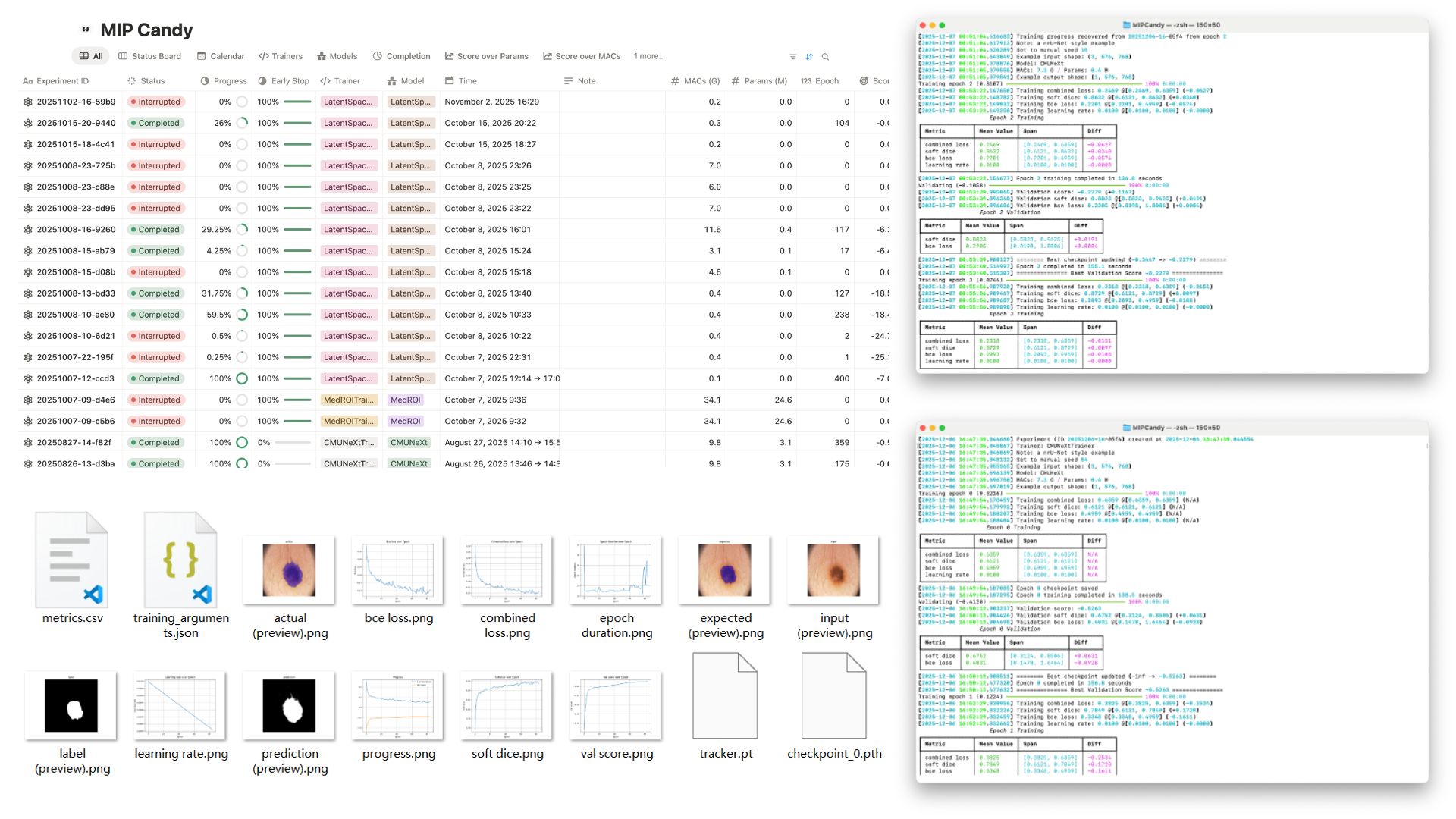
MIP Candy overview poster

Trusted by

MIP Candy powers research across top institutions.

Key features

Designed for modern medical image research pipelines.

Training
Easy adaptation to your workflow

Override a single method to plug in your own network architecture. Grab a tool from the box and customize your experiments.

  • Sliding window
  • ROI inspection & cropping
  • Automatic padding & shape alignment
Interface
Thoughtful command-line UX

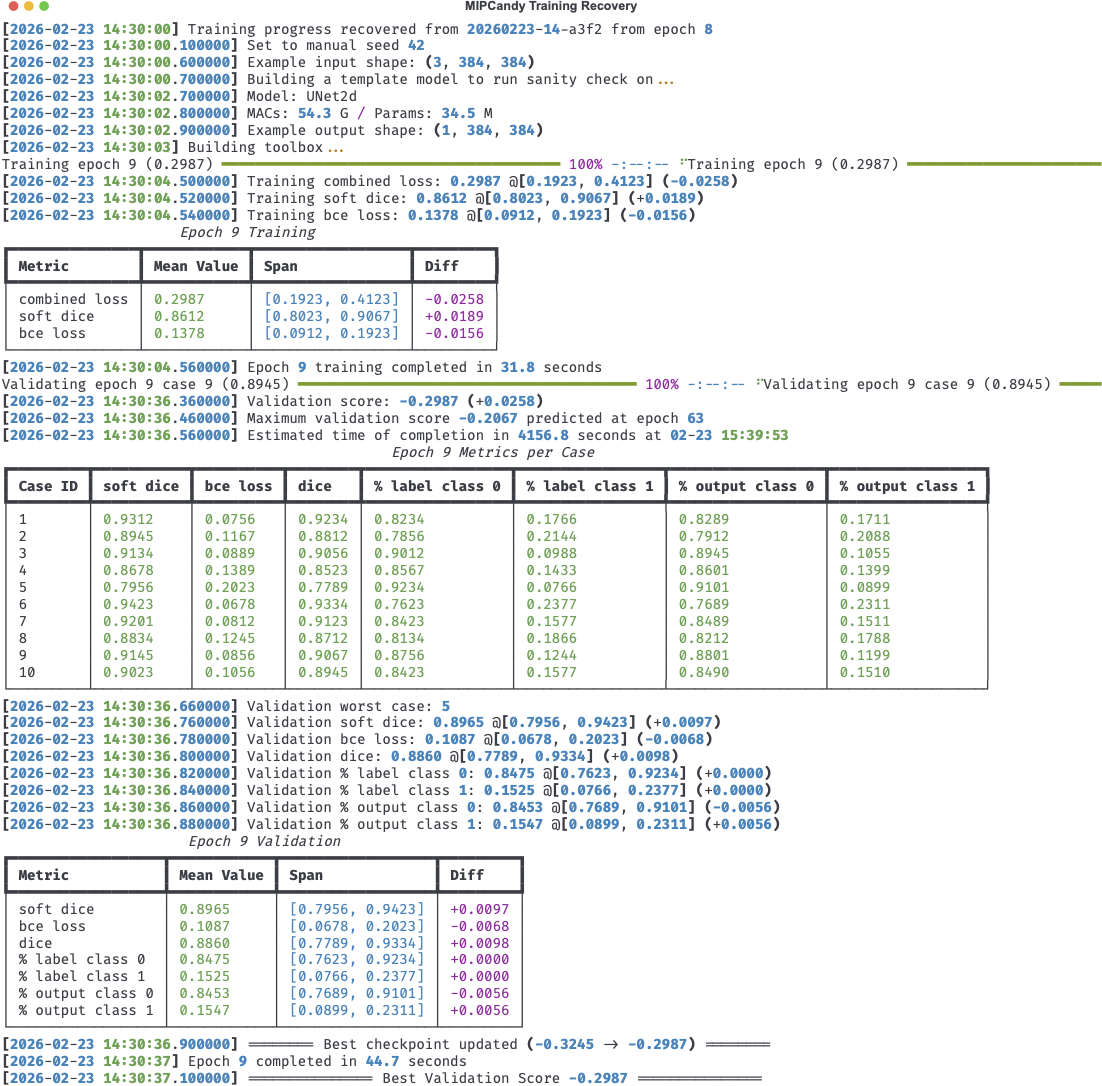
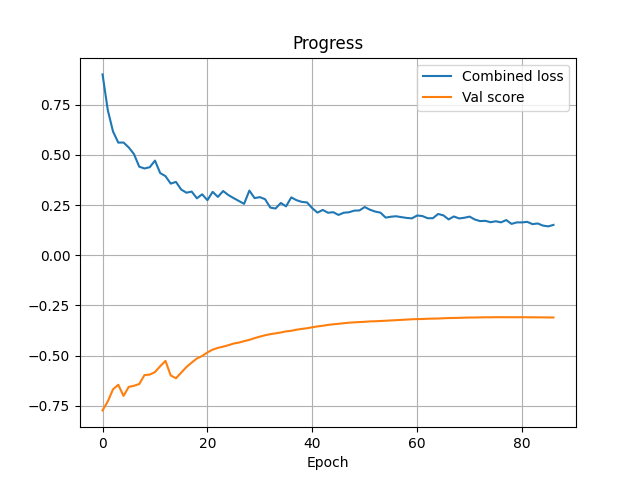
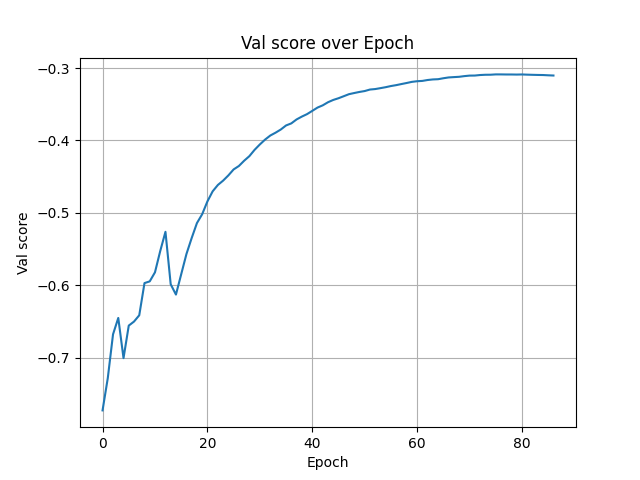
A clean CLI layout makes it easy to configure experiments, track progress, and resume work without digging through scripts.

CLI UI
Visualization
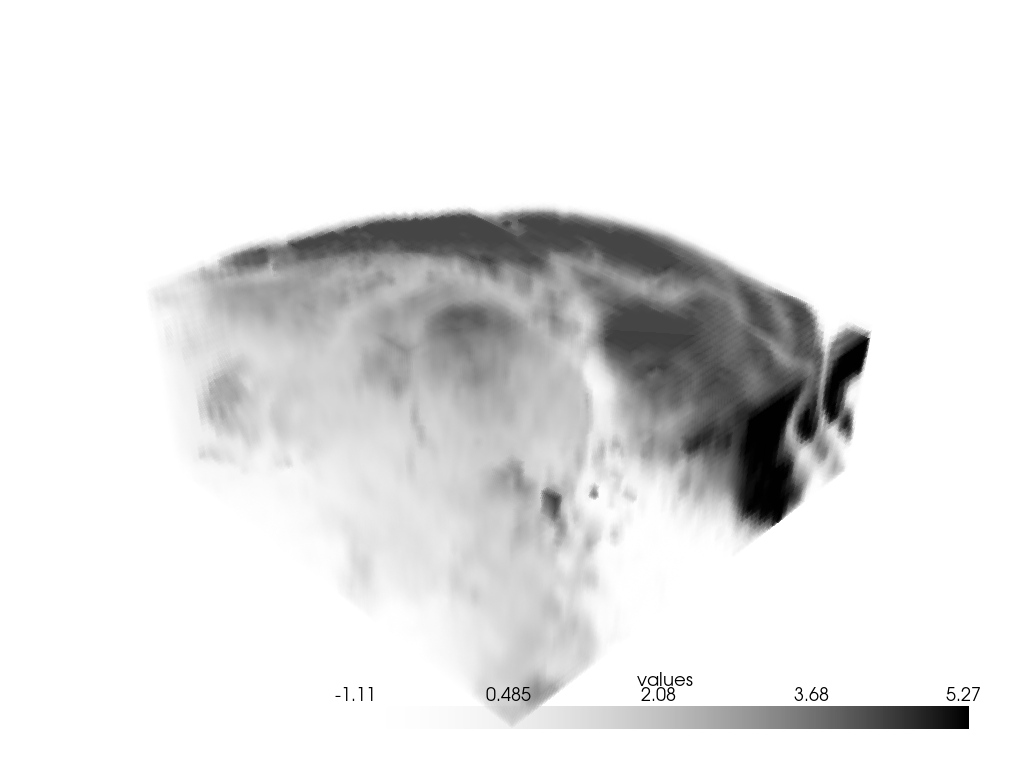
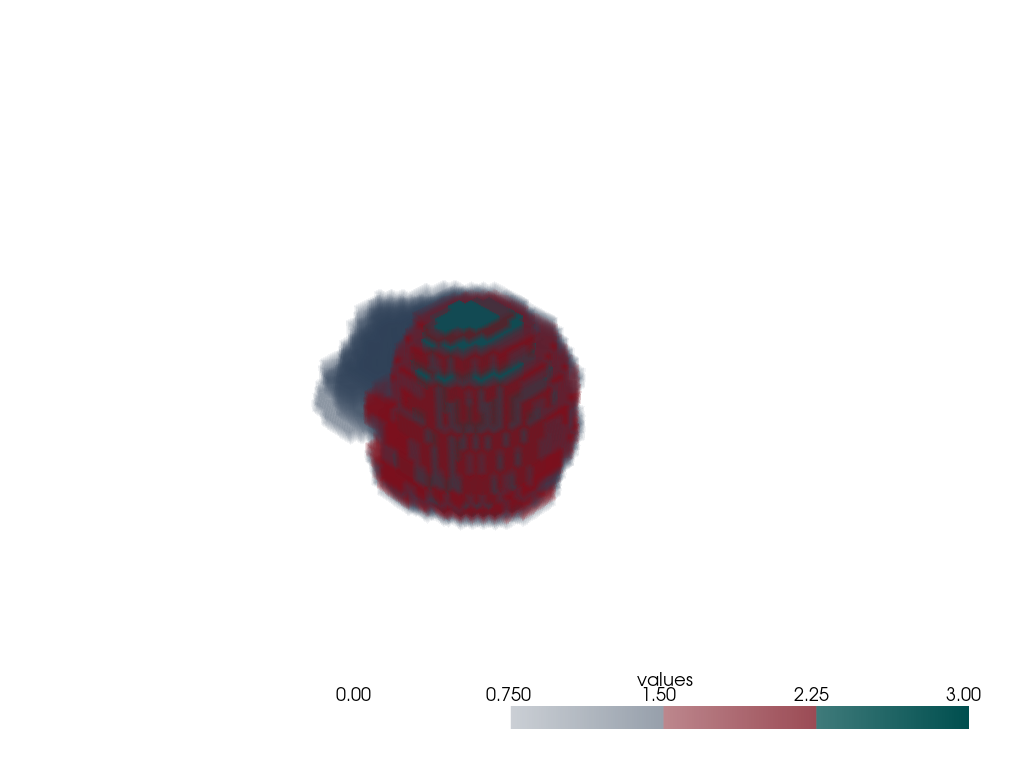
Built-in 2D & 3D views

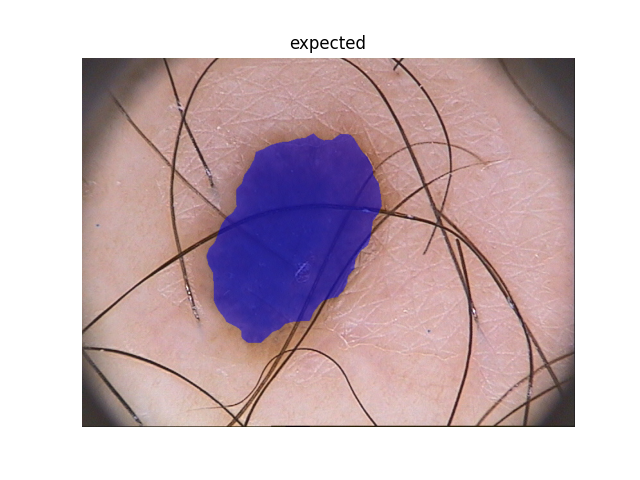
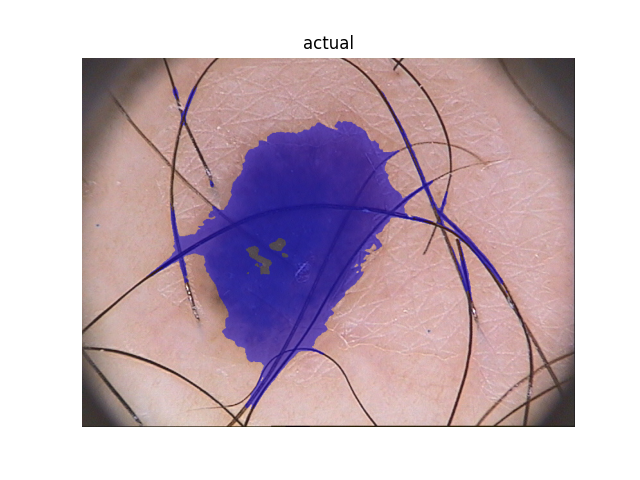
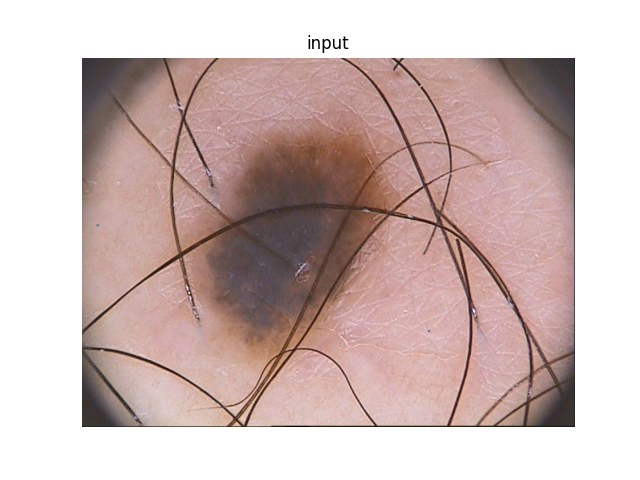
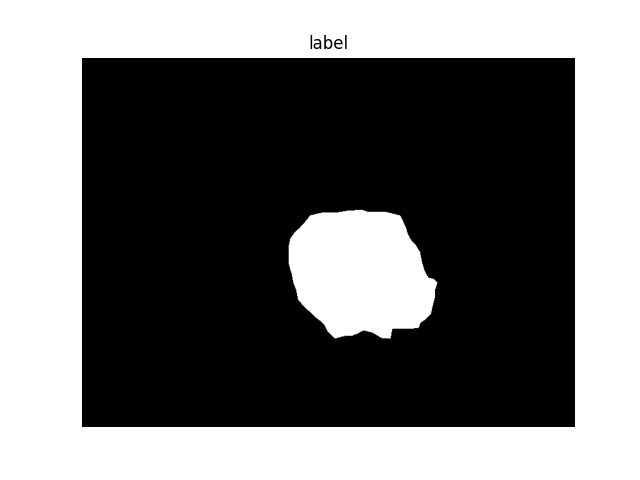
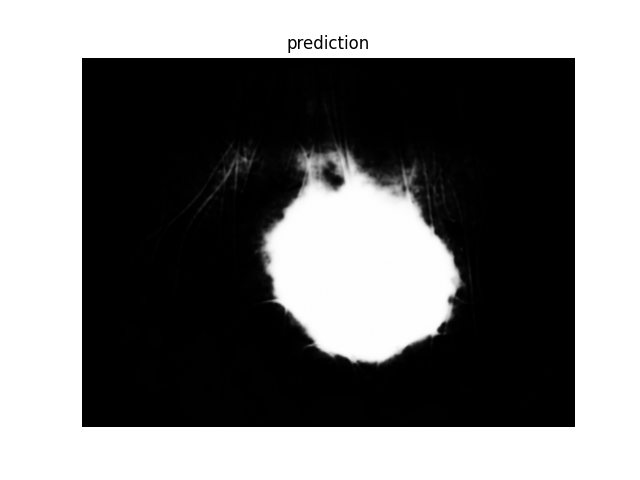
Inspect slices or volumes directly from the training pipeline for intuitive understanding of your data and predictions.

2D and 3D visualization
Reliability
Interruption-tolerant runs

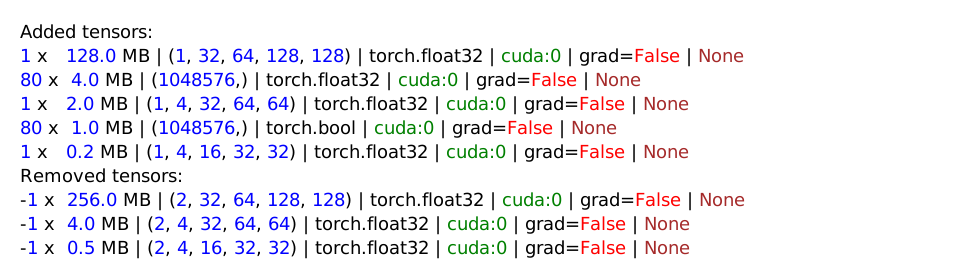
Experiments can be safely paused and resumed with built-in recovery mechanisms, so cluster hiccups don’t cost you progress.

Recovery screenshots
Dashboards
Remote monitoring ready

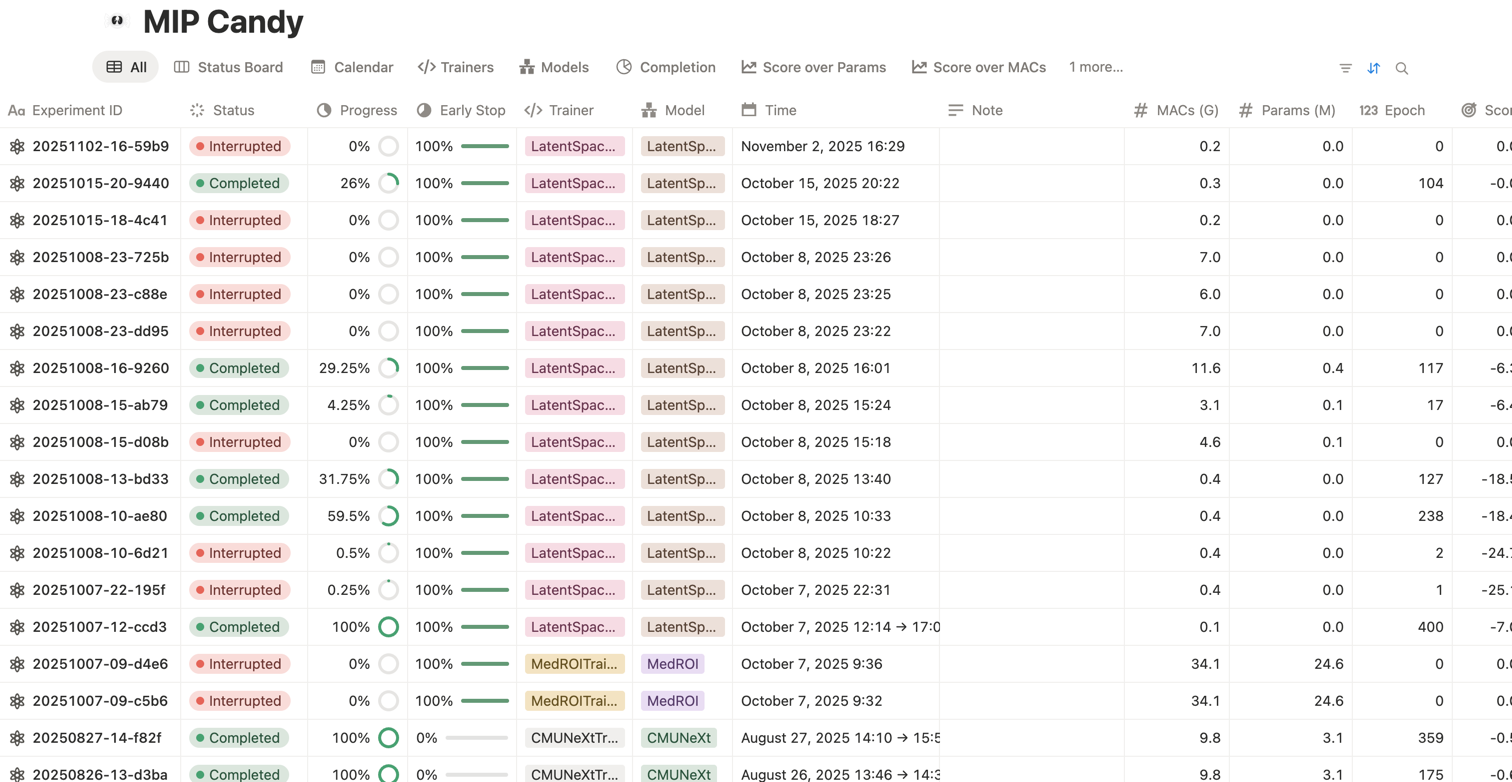
Connect to Notion, Weights & Biases, and TensorBoard for rich experiment tracking and sharing with your team.

Notion dashboard
Python 3.12+
Modern Python, modern stack

Built for Python 3.12 and above, MIP Candy takes advantage of modern typing and ecosystem improvements out of the box.

Custom trainers

Adapt a new network in one method.

Start from SegmentationTrainer and only implement the network construction. MIP Candy handles data flow, loss computation, augmentation, checkpointing, and evaluation out of the box.

Example — Custom model integration
from typing import override
from torch import nn
from mipcandy import SegmentationTrainer


class MyTrainer(SegmentationTrainer):
    @override
    def build_network(self, example_shape: tuple[int, ...]) -> nn.Module:
        ...
Provide your architecture once. MIP Candy takes care of the entire training pipeline.

Live Notion dashboard

Explore an interactive MIP Candy frontend demo directly in Notion.

Quick start

Train like a Pro in a few lines

Download a dataset, create a dataset wrapper, and hand it to a trainer. Below is an example using the PH2 dataset. To replicate an nnU-Net style training, you can add data augmentations and use the provided SlidingSegmentationTrainer instead of the current SegmentationTrainer to utilize the sliding window mechanism.

Example with PH2 dataset
from typing import override

from monai.networks.nets import BasicUNet
from monai.transforms import Resized
from torch import nn
from torch.utils.data import DataLoader
from torchvision.transforms import Compose

from mipcandy import SegmentationTrainer, AmbiguousShape, download_dataset, JointTransform, MONAITransform, Normalize, \
    NNUNetDataset


class UNetTrainer(SegmentationTrainer):
    @override
    def build_network(self, example_shape: AmbiguousShape) -> nn.Module:
        return BasicUNet(2, example_shape[0], self.num_classes)


download_dataset("nnunet_datasets/PH2", "tutorial/datasets/PH2")
transform = JointTransform(transform=Compose([
    Resized(("image", "label"), (560, 768)), MONAITransform(Normalize(domain=(0, 1), strict=True))
]))
dataset, val_dataset = NNUNetDataset("tutorial/datasets/PH2", transform=transform, device="cuda").fold()
dataloader = DataLoader(dataset, 8, shuffle=True)
val_dataloader = DataLoader(val_dataset, 1, shuffle=False)
trainer = UNetTrainer("tutorial", dataloader, val_dataloader, device="cuda")
trainer.train(1000, note="example with PH2 dataset")
Installation

Install MIP Candy

MIP Candy requires Python ≥ 3.12. Install the standard bundle from PyPI:

$ pip install "mipcandy[standard]"
Stand on the Giants

Install MIP Candy Bundles

MIP Candy Bundles provide verified model architectures with corresponding trainers and predictors. You can install it along with MIP Candy.

$ pip install "mipcandy[all]"